


How it works
Protected in three steps
-
Place your order
Pay securely with card, wallet or PayPal.
-
Get your key by email
Your licence key and the official download link arrive within minutes.
-
Install and protect
Activate on your first device, then add the rest from the same account.
Product details
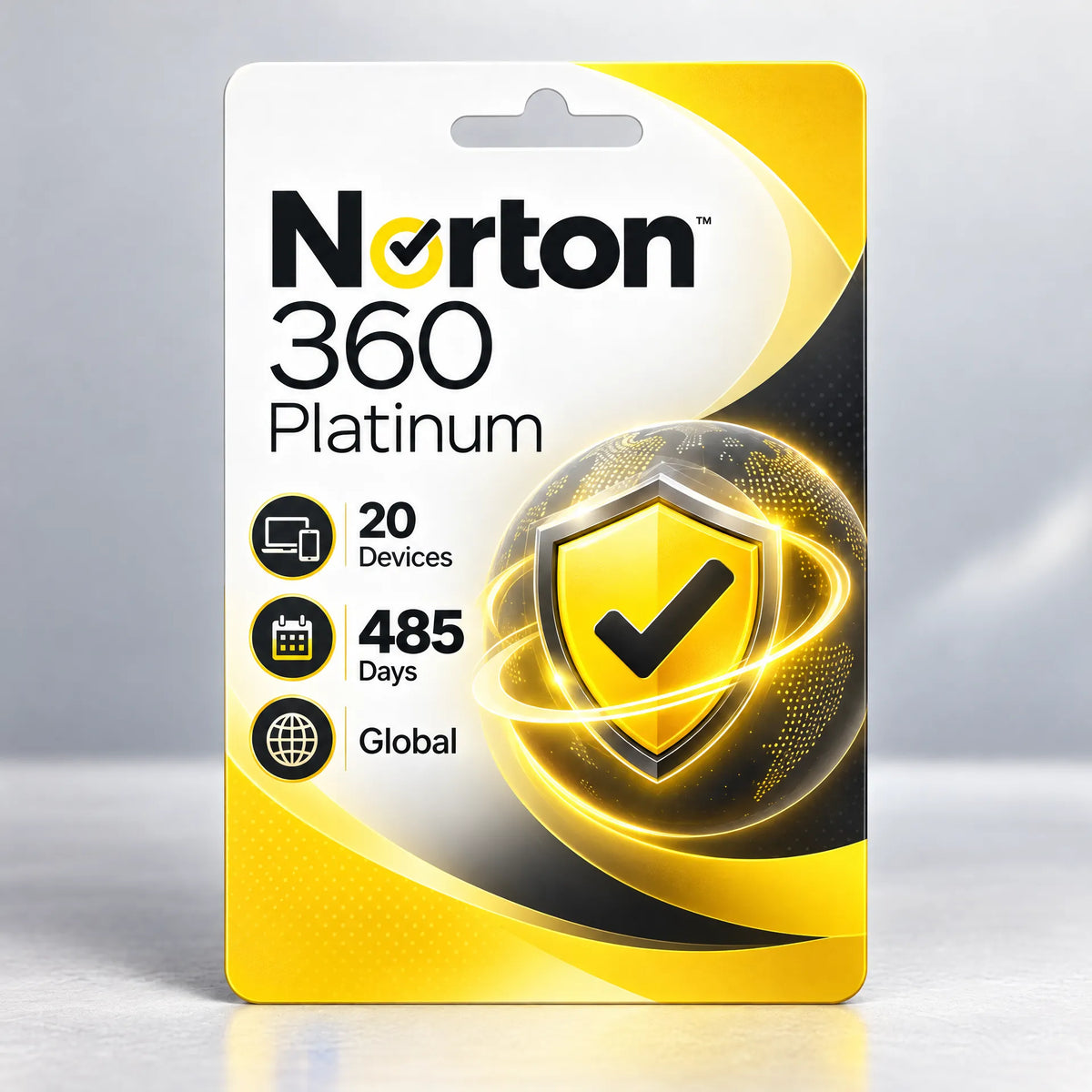
Norton 360 Platinum is Norton's all-in-one plan for big households and busy people with lots of devices. One subscription covers up to 20 PCs, Macs, smartphones and tablets, combining real-time threat protection with a no-log Secure VPN, 100 GB of cloud backup, a password manager and dark web monitoring – all managed from a single Norton account.
Everything in one plan
-
Real-time threat protection
Multi-layered, real-time defence against viruses, ransomware, spyware, phishing sites and other online threats, with automatic updates running in the background.
-
Secure VPN
Bank-grade encryption keeps what you send and receive private, so banking and shopping on café, hotel or airport Wi-Fi stays protected.
-
100 GB cloud backup
Back up important photos and documents from your Windows PCs to secure cloud storage – a safety net against ransomware, theft and hard-drive failure.
-
Dark Web Monitoring
Norton watches dark web sources for your email address and other personal details and alerts you if they appear, so you can act quickly.
-
Password Manager
Create, store and auto-fill strong, unique passwords and keep logins and card details in an encrypted vault across your devices.
-
Parental Control & SafeCam
Help children browse more safely with Parental Control, and block unauthorised access to your PC webcam with SafeCam.
What you get
- Norton 360 Platinum digital product key
- Protection for up to 20 devices on one account
- Secure VPN on every protected device
- 100 GB of secure cloud backup for PC
- Password Manager and Dark Web Monitoring
- Free download from Norton's official website
Who it's for
Families, shared houses and freelancers who want a single, premium security plan that covers every laptop, phone and tablet in the home – without juggling separate subscriptions.
Good to know: Choose your subscription length above. Some features differ by platform – cloud backup is for Windows PCs, and certain features may not be available on every device type.
| Developer | Norton |
|---|---|
| Category | Antivirus & Security |
| Platform | Windows, macOS, Android, iOS |
| Devices | Up to 20 devices |
| Licence | Subscription key |
| Region | Global |
| Delivery | Instant digital delivery by email |
| Windows | Windows 10 or 11 (not S mode), Windows 11 on Arm supported |
|---|---|
| Windows hardware | 1 GHz processor, 2 GB RAM, 300 MB free disk space |
| macOS | macOS 10.13 or later, Intel or Apple silicon (M1 to M4), 2 GB RAM, 300 MB free |
| Android | Android 10 or later with Google Play installed, 50 MB free |
| iOS / iPadOS | iOS 17 or later |
| Internet | Required for activation, updates and the VPN |
- Open the email we send right after payment – it contains your Norton product key.
- Go to norton.com/setup and sign in to your Norton account, or create one for free.
- Choose to enter a product key, paste your key and confirm.
- Download and install Norton 360 on this device, then sign in to activate protection.
- To cover more devices, sign in to the same account on each one or use 'Send a download link' from your Norton account.
How do I receive my licence?
Your licence key and download instructions are emailed to you within minutes of payment. They're also in your order confirmation.
Can I use one licence on PC, Mac and my phone?
Yes. Multi-device plans can be split across Windows, macOS, Android and iOS up to the number of devices you choose. Install each one from the same account.
Do I need to remove my old antivirus first?
We recommend uninstalling any other third-party antivirus before installing, so two products don't conflict. Windows Security steps aside automatically when a new antivirus is installed.
Will my subscription renew automatically?
No. You pay once for the term shown and nothing renews through us. Before it ends, you can buy a new key to extend your protection.
I already have this product. Can I use the key to extend it?
In most cases, yes: sign in to the same account and enter the new key, and the time is added to your subscription. If you're unsure, reply to your order email and we'll check for you.
What if my key doesn't activate?
Reply to your order email with a screenshot of the error and we'll help you activate it or replace the key.